
Preview
The preview panel allows previewing the data (max 200 rows), sorting by column, and performing filters.
Once a Transformation has been successfully built, the data is stored in a .parquet file and can be efficiently queried and previewed.
By clicking on the details button next to the column names, a statistics panel will open up, giving an overview and some metadata about said column, such as:
- Distinct Count
- Null Count
- Min/Max values
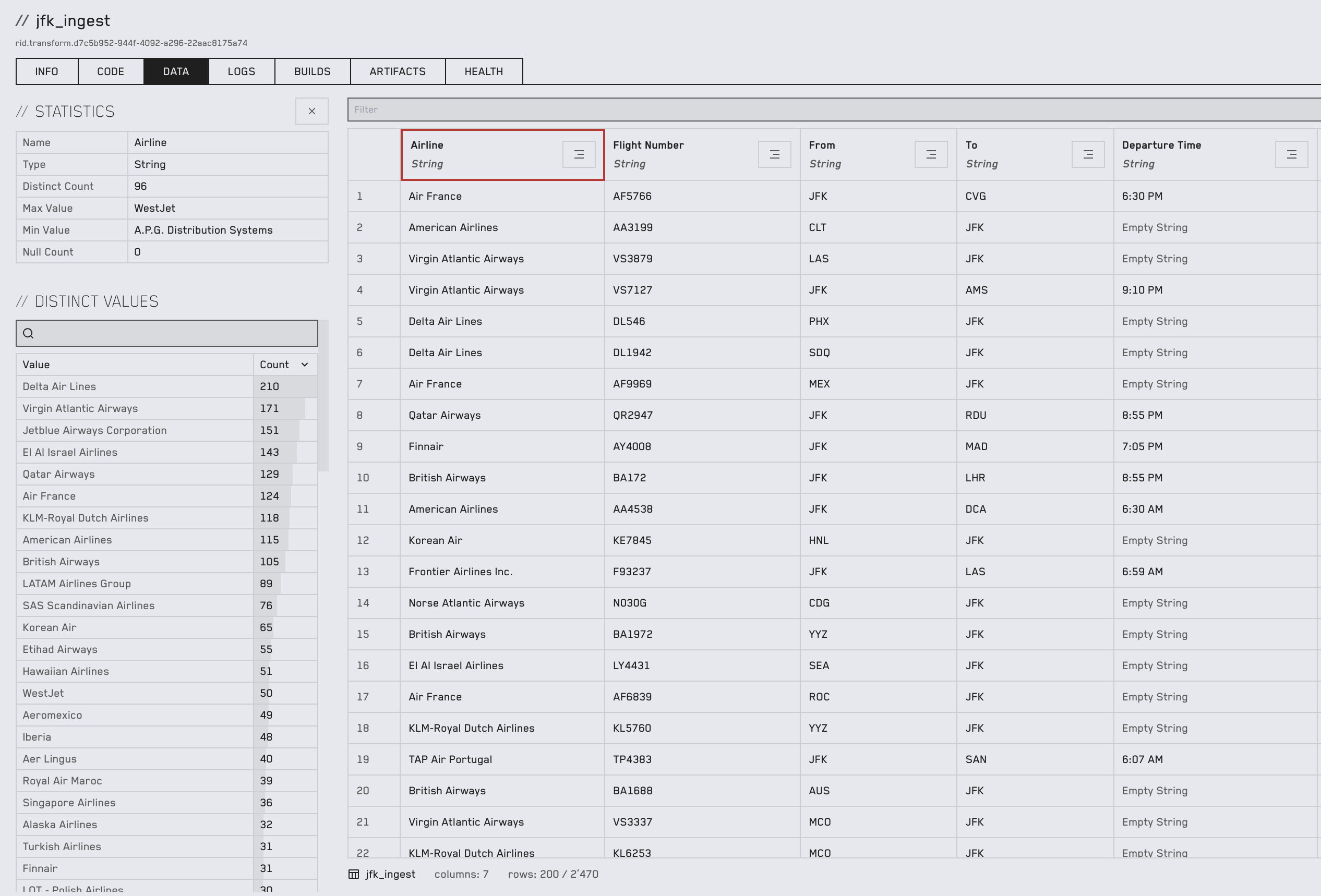
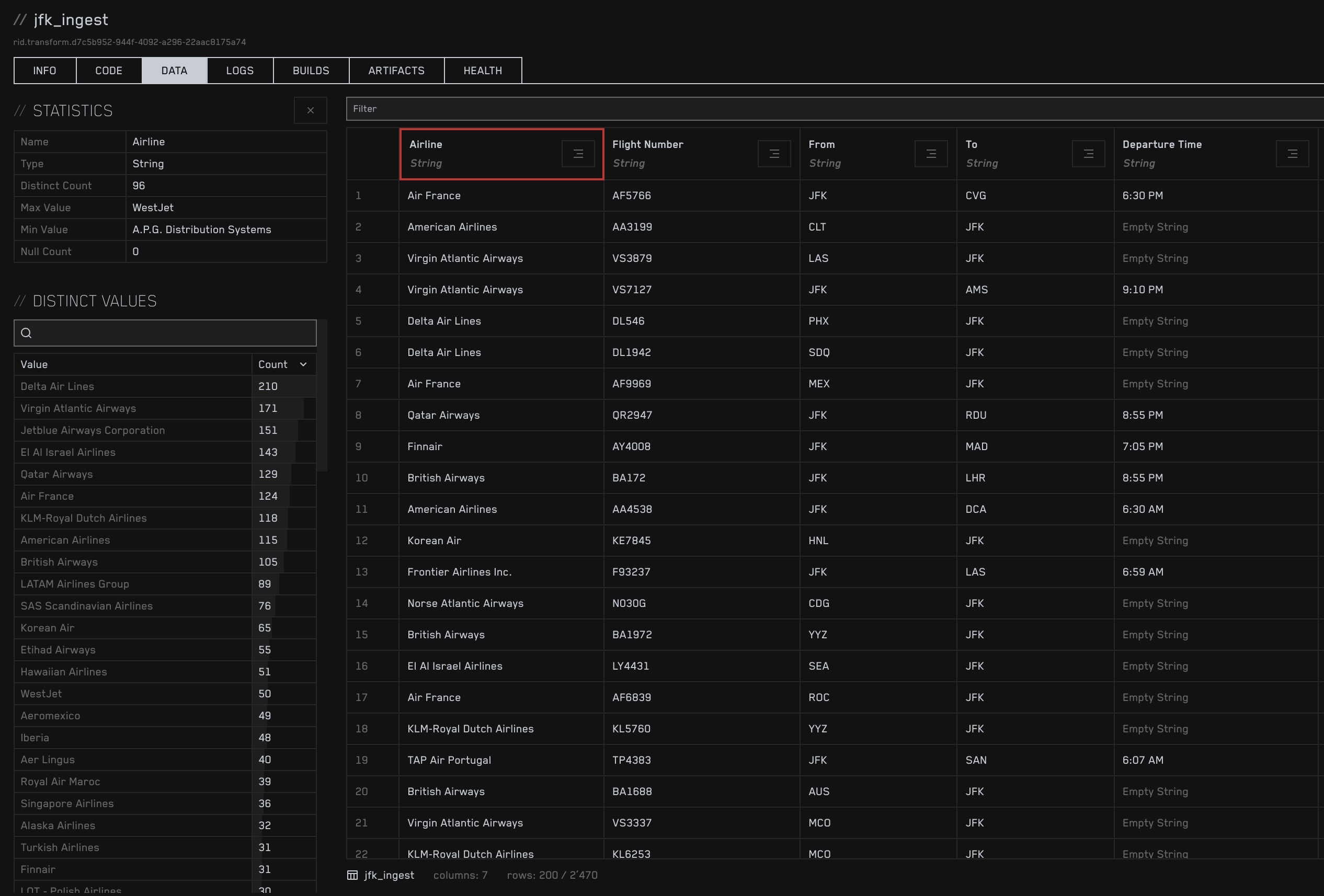
The panel also shows a breakdown of unique values and their frequency and gives the possibility to search by value.
Custom Filter
Section titled “Custom Filter”The filter input at the top of the preview panel allows SQL-style WHERE clause to be applied.
Following is an example filter:
"Airline" = 'Air France' AND "To" = 'JFK'Data Extract
Section titled “Data Extract”The generated dataset can be extracted as a CSV or Parquet file using the export buttons at the bottom of the table.